
IT-Computer Support Technician
| Degree Type | Program Number | Program Code | Credits |
|---|---|---|---|
| Technical Diploma | 311546 | ITCT | 28.00 |
| Typical Start | Learning Format | Financial Aid | Estimated Cost | Location | Area of Interest |
|---|---|---|---|---|---|
| Fall | Hybrid | Available | 4950 | La Crosse | Science, Technology, Engineering, and Mathematics (STEM) |
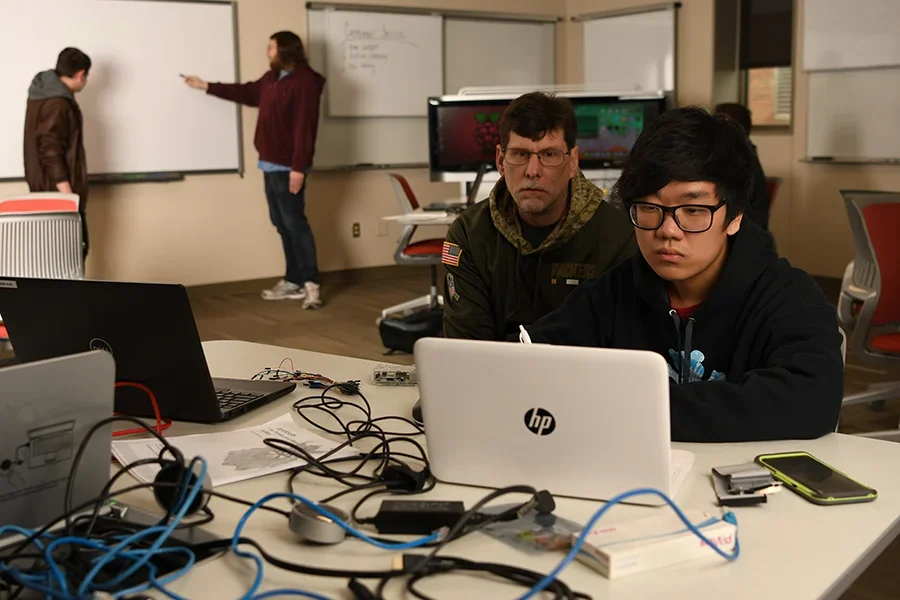
Western's Computer Support Technician program offers a hands-on learning experience that can pave the way to employment as a level-one technician. This technical diploma will equip you with essential skills, transforming you into an adept problem-solver and an attentive listener with a strong technical foundation in hardware, software, and network maintenance, along with a fundamental understanding of programming.
Your training will occur in both Western's Student-Run Help Desk and the classroom, ensuring a comprehensive and immersive experience that prepares you for a successful career in the field of computer support.
Admissions Requirements
- Apply at www.westerntc.edu/how-to-apply
- Western’s Admission Coaches are available to help you through the application process. Have questions or need advice? Call 608-785-9200 or email AdmissionsCoach@westerntc.edu.
- Western must comply with a Waiting List Policy when academic programs meet capacity. This policy adheres to Wisconsin Administrative Code Chapter TCS10.07.
Career Opportunities
Computer Specialist
Computer Technician
Data Entry Technician
Help Desk Technician/Specialist
Client Service Specialist
Program Outcomes
All programs at Western prepare students for success in a free-enterprise society through human experiences that integrate:
- Cultivating passion
- Living responsibly
- Refining professionalism
Graduation Employment Stats - 2023, 2024, & 2025
| Graduates | 9 |
|---|---|
| Graduates Responding | 7 |
| Employed In Related Occupation | 2 |
| Employed In Non-related Occupations | 0 |
| Seeking Employment | 0 |
| Continuing Education | 5 |
| Not In Labor Market | 0 |
| Graduates Responding Employed Part Time in Related Occupation | 1 |
| PT Average Hours per Week | 30 |
| PT Median Hourly Wage | $22.50 |
| PT Hourly Wage Range | $22.50 |
| Graduates Responding Employed Full Time in Related Occupation | 1 |
| FT Average Hours per Week | 42 |
| FT Median Hourly Wage | $20.00 |
| FT Hourly Wage Range | $20.00 |
| Related Occupations | Computer Support Specialist, IT Support |
Software & Technology
Most of Western’s classes require the use of a personal computer or laptop, standard software, internet access, and other technology-related items.
If you do not have a personal computer or laptop, or if the one you have does not meet the following criteria, resources may be available. Submit a Student Resource Request using our online form.
Computer/Laptop Hardware
- Smartphones are not recommended for completing assignments.
- Chromebooks are not recommended due to issues with installing software that is needed for classes, such as Office 365.
- Web camera with microphone (usually built into newer laptops or can be purchased separately) is necessary for online participation.
Software Needs
- Western uses the Blackboard Learning Management System. Some courses may use Zoom or Microsoft Teams to meet and work virtually. Visit our website for guidance on how to access and use these tools.
- Office 365 (available to download for free once you have a student email)
- Recommended web browsers: Chrome or Firefox
For detailed specifications, please review Technology and Software Recommendations for Most Classes on Western’s IT Knowledgebase.
Campus Resources
- Western has several computer labs available. Visit our website to find open hours and locations on the La Crosse campus. Or find information on how to access resources on our Regional Locations web page.
- The Learning Commons has computers, webcams, and microphones available for in-house use. Our librarians recommend checking your local public library for computer access on the weekends. Staff members can also provide information on free, off-campus Wi-Fi spots. Contact them at LearningCommons@westerntc.edu or call 608-785-9198.
Need Assistance?
- Contact the Learning Commons! The staff are happy to answer questions, provide individualized assistance, and direct you to other supports as needed.
Special Requirements
This program requires specific software and technology to complete classwork. Click here to see the list of items you will need for your courses (PDF).
If you do not have access to the items listed for your program, or if the items you have do not meet the requirements, resources may be available. Submit a Student Resource Request using our online form.
Internet access is required to access student accounts from off campus. The Learning Commons can provide information on free, off-campus Wi-Fi spots. Contact them at LearningCommons@westerntc.edu or call 608-785-9198.
For additional specifications, please review Technology and Software Recommendations for Most Classes on Western’s IT Knowledgebase.
Career Pathways
This program is part of a career pathway, a laddered approach to career education. It allows you to earn employer-recognized credentials that lead to job and career advancement.
Prior Learning
Previous education and work experience could qualify for Credit for Prior Learning, saving you time and money. Find out more about what may apply to this program.
Certificates
There are currently no certificates associated with this pathway.
Technical Diplomas
Associate Degrees
University Transfer
Courses
| Course | Credits |
|---|---|
| 10103111 - Computer Applications for Business | 3.00 |
| 10154108 - Database Foundations with SQL | 3.00 |
| 10150101 - IT Hardware/Software Fund | 3.00 |
| 10154103 - IT Pathways | 3.00 |
| 10890106 - Strengths Seminar | 1.00 |
| Course | Credits |
|---|---|
| 10154125 - Business Information Systems | 3.00 |
| 10150110 - Cisco 1: Networking Fund | 3.00 |
| 10154137 - IT Systems Support | 3.00 |
| 10801197 - Technical Reporting | 3.00 |
| 10152144 - Web Programming 1 | 3.00 |